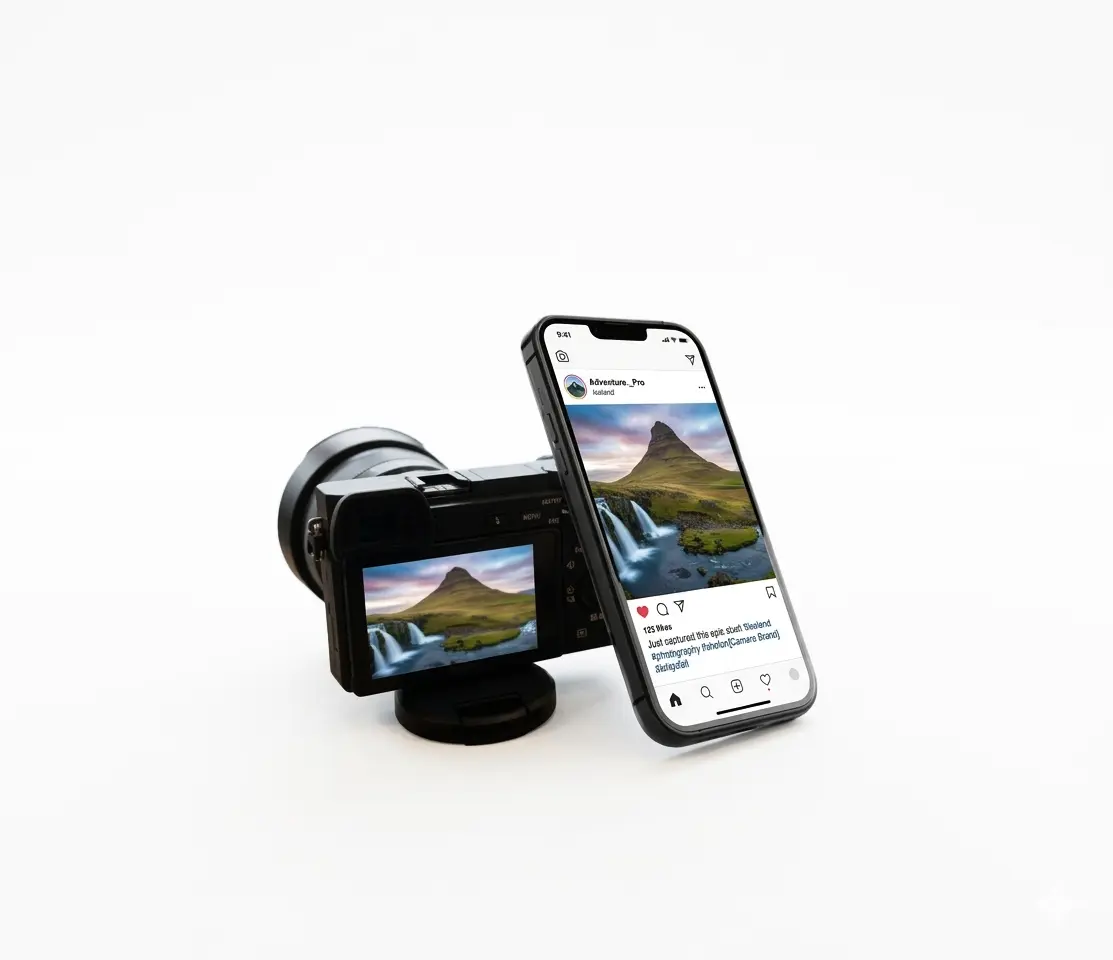
Credit
Tired of seeing your photos reposted without credit?

Add text or logo watermarks, batch apply to many photos, and adjust transparency, size, and rotation with ease.
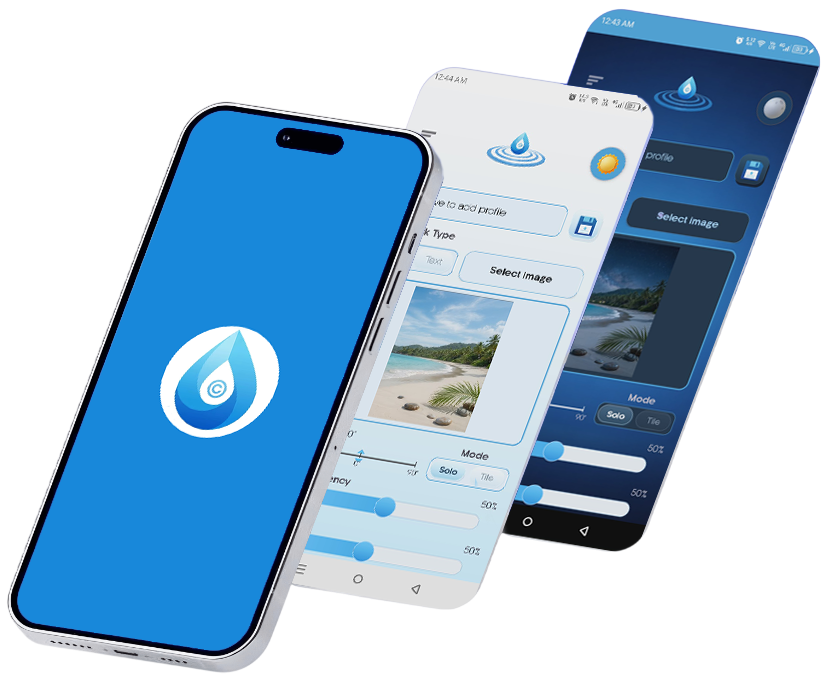
Faster processing time

Tired of seeing your photos reposted without credit?
Worried about sensitive details like IDs or faces leaking online?
Spending hours watermarking images one by one?

Add custom text or logo watermarks with full control over transparency, tiling, and placement.
Instantly blur or pixelate faces, addresses, and sensitive data using professional-grade tools.
Process hundreds of photos at once. Save your favorite setups as profiles for one-tap reuse.


Select photos in your favorite gallery app, tap Share > Droplet. No extra steps, just pure efficiency.
Three quick steps to get a clean watermark every time.
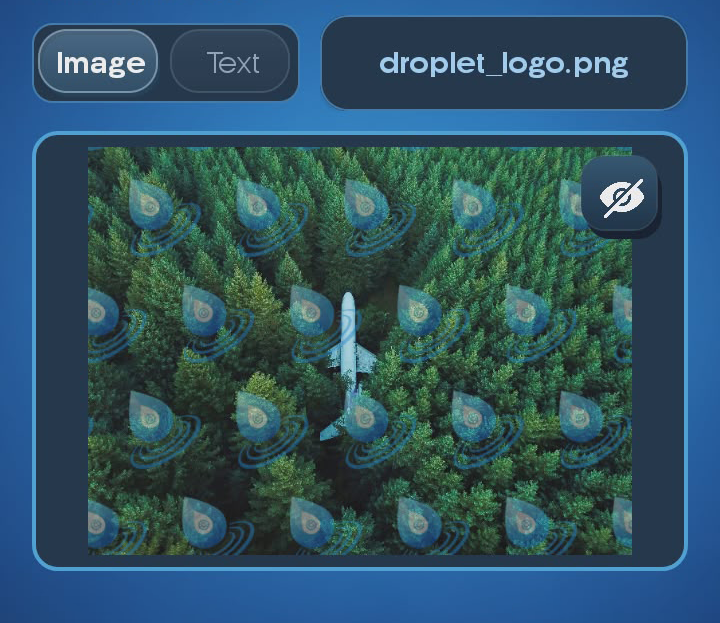
Choose text or image. Fine-tune size, transparency, and rotation. Your settings are saved automatically.
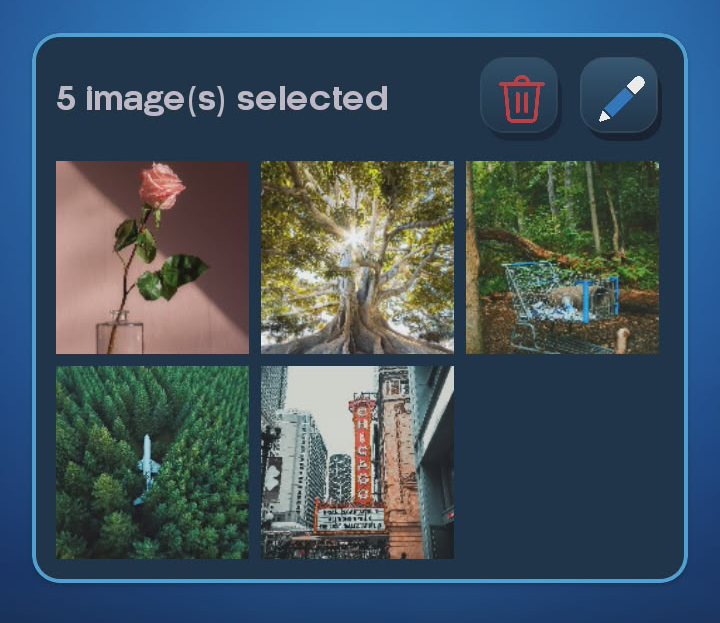
Import one or hundreds. Droplet processes batches effortlessly, saving you valuable time.
Export to your device or share directly to your social channels. No duplicates, no extra cleanup.
Lightweight, touch-friendly controls keep your edits fast on any phone.
Protect your photos and speed up your workflow with Droplet.